The AI-powered punch list app
See it.Say it.AI handles it.
Spot a construction issue? Snap a photo and describe what you see. Punchy's AI turns your observations into clear punch-list items with suggested corrective actions, ready for your review.
What the AI does for you
Your eyes and your voice. Punchy does the paperwork.
Talk instead of typing
Describe what you see in your own words, in the middle of the walk. No thumbs, no notes to type up later.
AI-assisted issue identification
Punchy's AI looks at your photo and listens to your observation, then suggests a deficiency description, a room and a corrective action.
Less paperwork
Site observations become organized, numbered punch-list items as you walk, so the report is mostly done when the walk is.
AI suggests. You decide: every draft waits for your review, and nothing is saved until you tap Save.
AI in action
From a photo and one sentence to a punch-list item.
One observation, start to finish. This is an example, drawn to show the flow.
-
1
See it
Take the photo where you're standing.
-
2
Say it
Describe it out loud. Plain words are fine.
-
3
AI handles it
Photo and words become a structured draft: title, room and a suggested corrective action.
-
4
Review and save
You read it, change anything, and save. Or discard it.
Example for illustration. The AI works from what you photograph and say, can be wrong, and always waits for your review.
How it works
See it. Say it. AI handles it.
Three moves, standing in the room. Then you stay in charge of what gets saved.
See it
Photograph the condition where you're standing. Up to two photos per issue, kept sharp enough for the report.
Say it
Describe what you see out loud, naturally, mid-walk. No typing. Skip the voice note and the photo alone works too.
AI handles it
Punchy's AI drafts the title, the room and a suggested corrective action. You review it, change anything, and tap Save. Nothing is saved before that.
What's in it
AI where it helps. Control where it counts.
Voice-first captureAI
Speak your observation. Punchy transcribes it and uses it alongside the photo, so the words you choose shape the draft.
AI issue draftingAI
A photo and a spoken note become a titled punch-list item with a suggested corrective action, written in plain, report-ready language.
Room suggestionsAI
When you name a room, the AI suggests it, but only from rooms you've already set up, and only when it's confident. It never invents one.
You approve every item
An AI draft sits apart from your issue until you tap Save. Back throws it away. Manual entry is always one tap away.
Branded PDF reports
Your logo and your brand color lead, on a clean letter-size report with photos at their true proportions.
Works with no signal
Capture and save issues by hand anywhere. Your punch lists live on your phone. (AI Capture needs a connection.)
Rooms and numbering
Issues are numbered 001 upward across the whole list and grouped by room, so "issue 014" means one thing to everyone.
Company workspacesComing in beta
A private workspace per company, with teammates, and your punch lists synced between your devices.
Plain about your data
You're told, before first use, that photos and voice go to AI services. Only what you capture is sent.
The deliverable
Reports in your colors, with your logo.
- Your company logo and brand color lead every report. Punchy stays out of the way with a discreet "Prepared with Punchy" line in the footer.
- Photos are never stretched or cropped — portrait stays portrait.
- Grouped by room, numbered consistently, one page flows into the next cleanly.
- Shared from the phone as a file, ready to attach to an email.
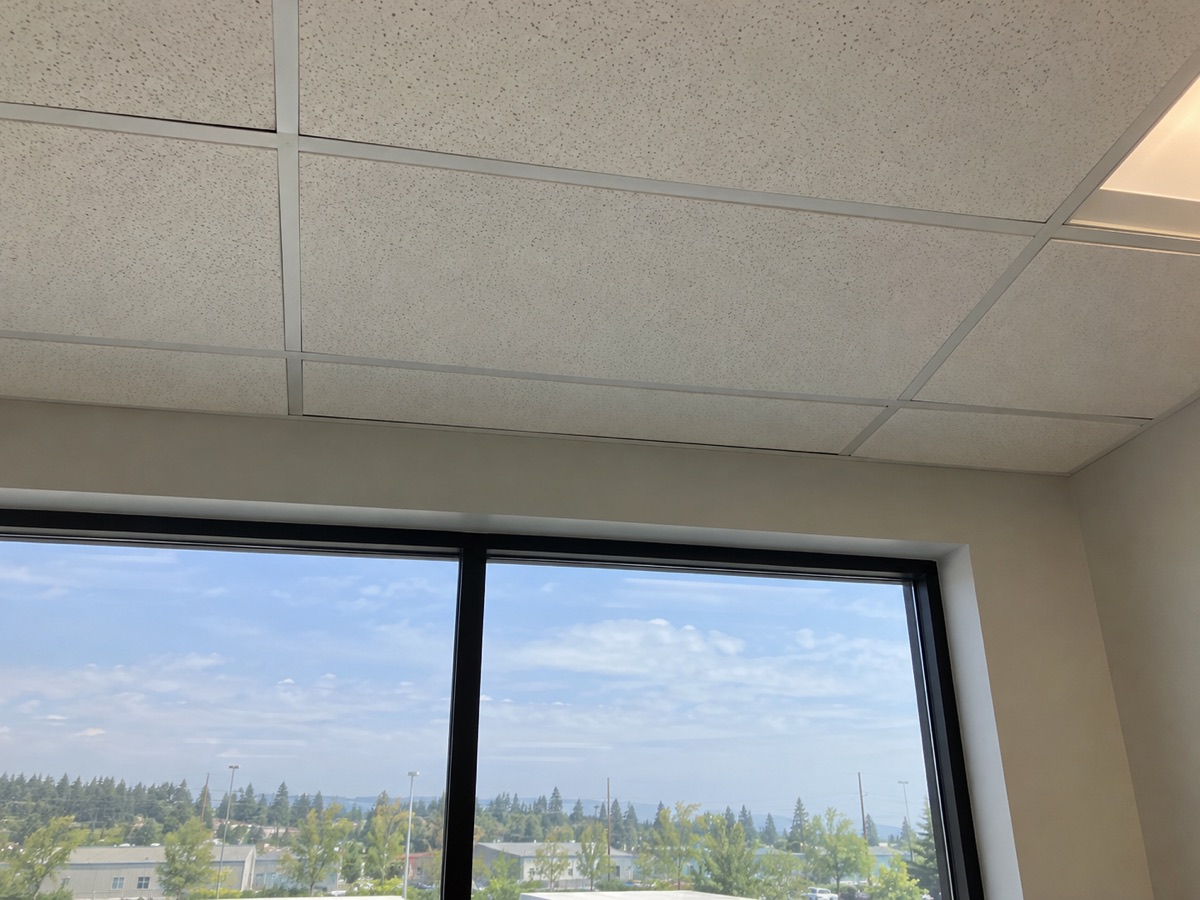
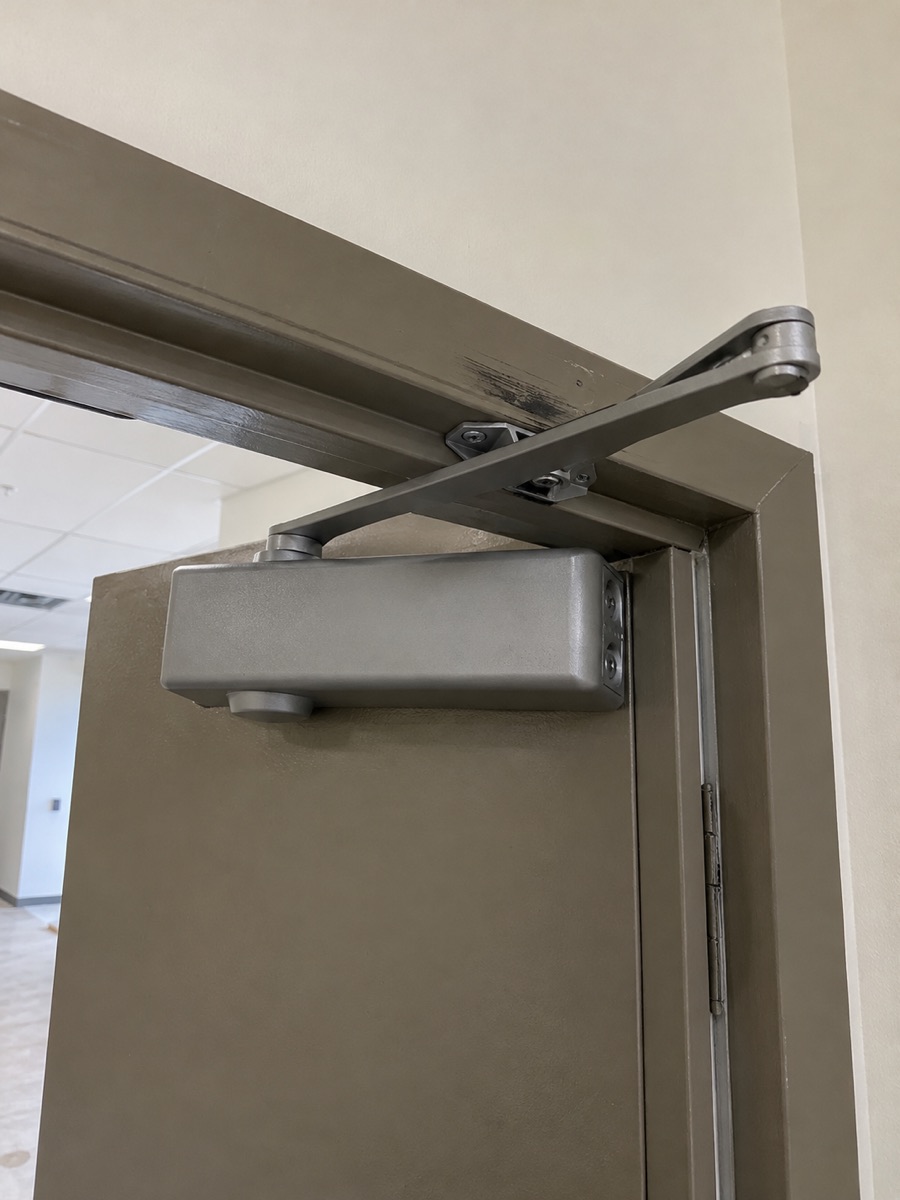
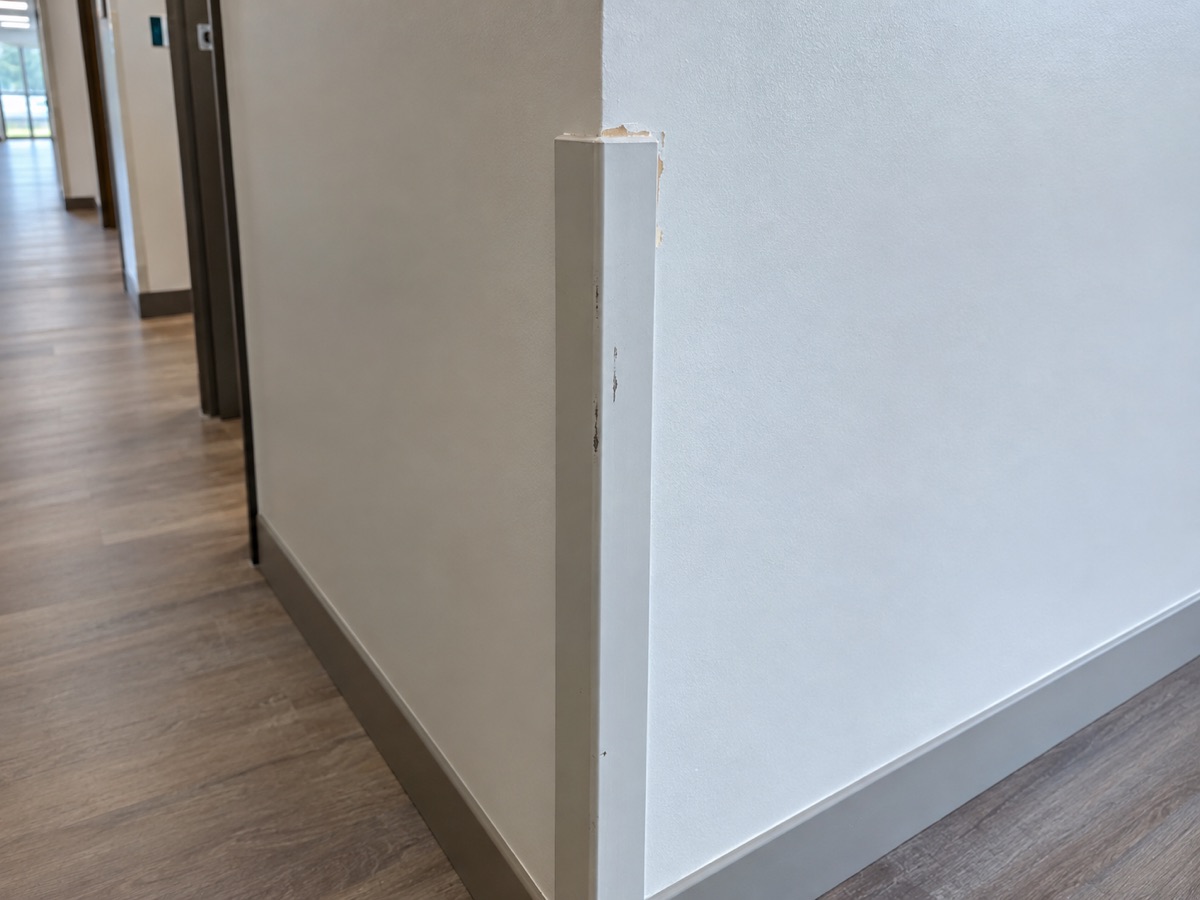
The sample report uses construction-photo imagery for illustration. Product screenshots and a downloadable sample PDF will replace it before launch.
Who it's for
For anyone who walks a building with a list.
Architects
Site visits and construction administration, with a report ready the same day.
Interior designers
Installation punch, furniture and finishes, room by room.
Contractors
Closeout and inspection lists the whole team can act on.
Owner's representatives
Independent walk-throughs with a record that holds up.
Trust
AI drafts. You decide.
Nothing saves on its own
An AI draft sits apart from your issue until you tap Save. Back throws it away.
Plain about where data goes
Photos and voice notes go to AI services only when you use AI Capture, and Punchy tells you which ones before the first time.
Yours to take with you
Back up every punch list to a file you keep. Cloud workspaces are on the way, with export and deletion on request.
Private beta
Try the AI-powered punch list on a real project.
We're inviting small groups of architects, designers and contractors to use AI Capture on real walks. Tell us a little about how you work and we'll be in touch.
Request beta access
Invitation-only, with AI Capture included. We read every request.
- Free for 30 days
Just tell me at launch
Not ready for the beta? Leave your email and we'll write once, when Punchy opens to everyone.
Questions
Good to know.
What does the AI actually do?
You photograph a condition and say what you see. Punchy's AI uses both to draft a punch-list item: a title, a suggested corrective action and, if you named one, the room. It's a drafting assistant. You read the draft, change anything and save it.
What does the AI not do?
It doesn't inspect the building for you, find defects you didn't point out, or check building codes or specifications. It can misread a photo or mishear a word, so every draft is yours to review, and nothing is saved until you tap Save.
Do I have to use the AI?
No. Adding an issue by hand is always available and works the same as ever. AI Capture is a button on the issue screen you use when you want it.
How does the voice part work?
You hold a short note, up to 30 seconds. It's turned into text by a speech-to-text service, and that text and your photo are used to write the draft. You can also use the photo alone.
Does it work without a signal?
Capturing and saving issues by hand works with no connection, and your punch lists live on your phone. AI Capture needs a connection while it drafts.
Who can see my photos and notes?
Today your punch lists live on your own device. If you use AI Capture, that photo and note go to the AI services that process them, and Punchy tells you which before your first use. Company workspaces are being built so that each company's data is private to that company.
Is there an Android version?
Punchy runs in the browser on iPhone and Android. It has been tested most on iPhone, and during the beta we'll say plainly what we haven't verified on Android.
What will it cost after the beta?
Beta access is free for 30 days. We'll tell you the price well before the beta ends and you'll choose whether to continue.
Can I use my own logo and color?
Yes. Your reports carry your company name, logo and brand color. A discreet "Prepared with Punchy" line sits in the footer; it can be removed on paid plans.